

Your appointment companion · Record organizer
Get your records ready for a referral
Getting records ready for a referral takes three steps: confirm who receives them and how, track each document in a private index by date and type, and ask both offices to confirm what arrived.
 By Maya Ellison, Founder and writer · 2 min read · Published · Updated
Confirm the receiving team
Getting records ready for a referral takes three steps: confirm who receives them and how, track each document in a private index by date and type, and ask both offices to confirm what arrived. Start by finding out who is actually meant to receive the records. Ask your current clinic which practice, specialist, or referral coordinator is on file for the appointment, and confirm the correct department if the facility has more than one specialty service.
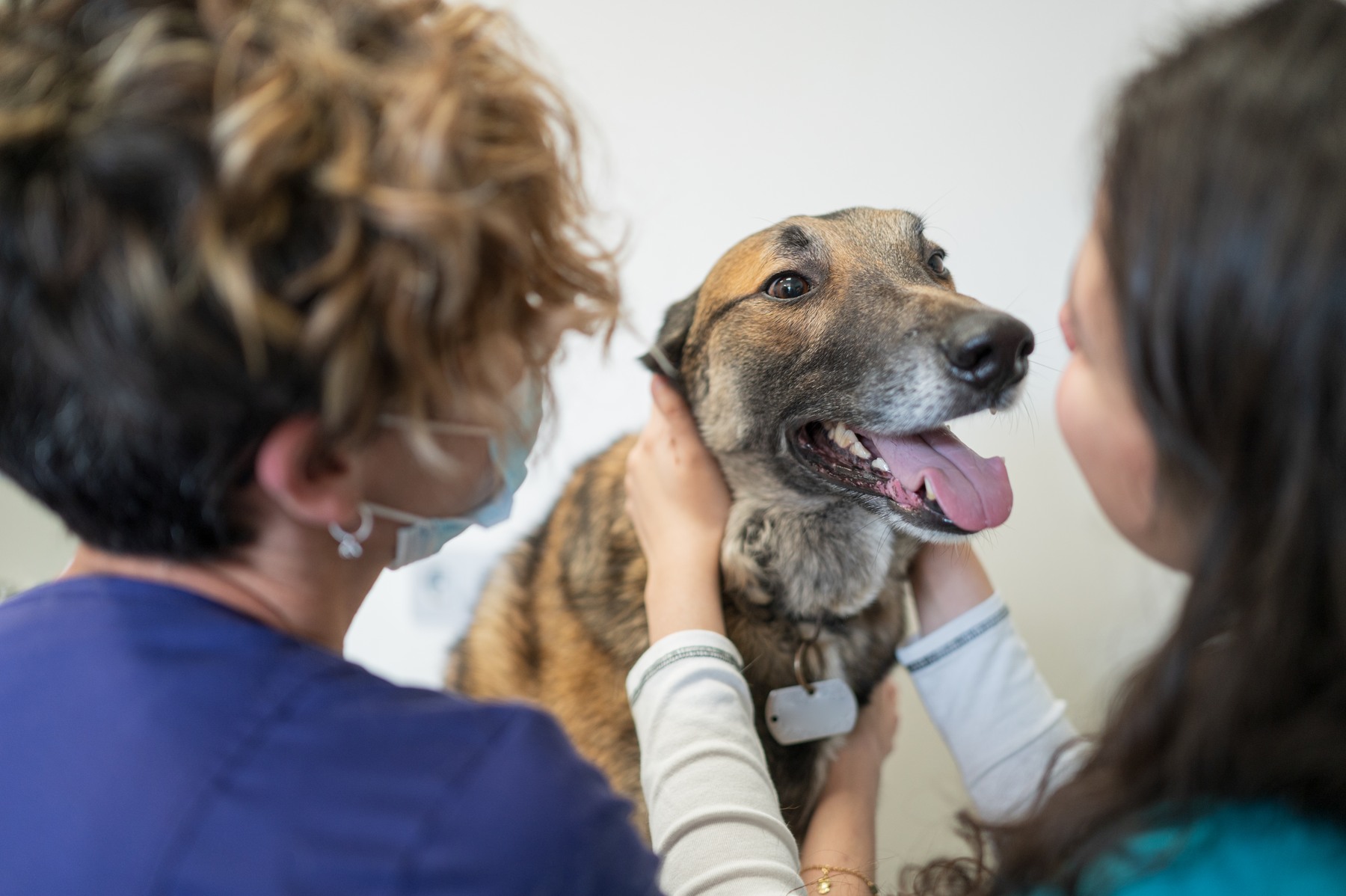
Write down the exact name of the receiving team, their fax or upload method, and any reference number tied to your case. If the referral came through a portal or an email introduction, keep that confirmation message somewhere you can find it quickly.
A short checklist can keep this step organized:
- Name of the receiving practice or specialist team
- Preferred method for sending records (fax, portal, email)
- Any case or referral number provided
- Contact person to confirm receipt
Double-checking these details before you start collecting paperwork can prevent records from going to the wrong desk or sitting unopened in a general inbox.

Keep this first list on one page you can find in seconds. A photo of it on your phone means the details come with you to work, the car and the waiting room.
How do you track which records were sent?
A private index is a personal list you keep for yourself, separate from anything you send to the receiving team. Its job is to help you track what exists, what you’ve gathered, and what still needs to be requested.

Group your index entries by date and document type. The usual groups are lab results, imaging reports, vaccine history and prior visit notes. Sorting by clinic name alone can hide gaps, such as a missing lab report or an incomplete vaccine history, until the appointment date arrives.
A simple table format can work well for this: Leave the cells blank and fill them in as each record is requested, sent and confirmed.
| Document | Date Range | Source | Requested | Sent or received |
|---|---|---|---|---|
| Lab results | ||||
| Imaging reports | ||||
| Vaccine history | ||||
| Prior visit notes |
Keep this index for your own use only. It updates as records arrive, and it means you know what has been sent and what hasn’t without relying on memory.
Then use it for a confirmation step. A few days before the appointment, call the contact you wrote down in the first list and ask them to confirm what they’ve actually received. Ask both offices to confirm: the sending clinic that the records went out, and the receiving team that they arrived.

What can you gather for a referral packet?
Ask the referring clinic which items the specialist team would like to see. Then collect them in one place so nothing depends on memory. A tidy packet often includes:
- Visit summaries that relate to the reason for the referral
- Lab results, with the date each sample was taken
- Imaging reports, plus the images themselves if the team asks for them
- Vaccine history and a current list of medications and doses
- A short timeline in your own words: what you noticed, and when
That last item is the one only you can write. Five or six dated lines are enough, and they help the new team see the story at a glance.
A calm week before the appointment
Spreading the work across a few days keeps everything light and manageable. Here is one way to pace it:
- Seven days out: confirm the receiving team and their preferred method, using your first list.
- Six days out: ask the referring clinic to send the records, and mark “requested” in your index.
- Three days out: call both offices to confirm the records left and arrived.
- The night before: pack your own copies, your timeline and a short list of questions.
A common slip is assuming one call covers everything. Records can travel in batches, so a missing imaging report can surface late. Your index shows the gap early, while there is still plenty of time to ask again.
Questions readers ask
How do I get my dog's records sent to a specialist?
Ask your current clinic to send them, and give the exact name of the receiving team and their preferred method. Write down the date you asked. A few days later, call the specialist team and ask them to confirm what arrived. Your private index makes that call quick and friendly.
Can I bring my own copies of my dog's records?
Yes, and a personal set makes a comforting backup on appointment day. Ask your clinic how to request copies for yourself. Carry them in one folder, sorted by date and type, so any page is quick to hand over. Bring your timeline as well.
What if the referral records have not arrived?
Check your index to see which items are marked as sent. Then call the sending clinic, share the date you asked, and request a resend to the confirmed contact. Let the receiving team know a second batch is on its way. Early checks leave plenty of time for this.